![Projul Logo 345PX wide.png]](https://5904352.hs-sites.com/hs-fs/hubfs/Projul%20Logo%20345PX%20wide.png?height=40&name=Projul%20Logo%20345PX%20wide.png)
From the settings page in the "Branding" section, there is an option to choose whether or not to display a company name on the home page and a company logo on the navigation bar.
To customize the account name and logo:
- Click on profile initials
- Click on the "Account" button
- Click on the edit icon at the top right of the account menu
- Edit the company name from there
- Click on "Add Logo" to add a company logo

After clicking on "Add Logo," a pop-up will appear with the option to either upload a photo or choose a photo that is already in Projul.
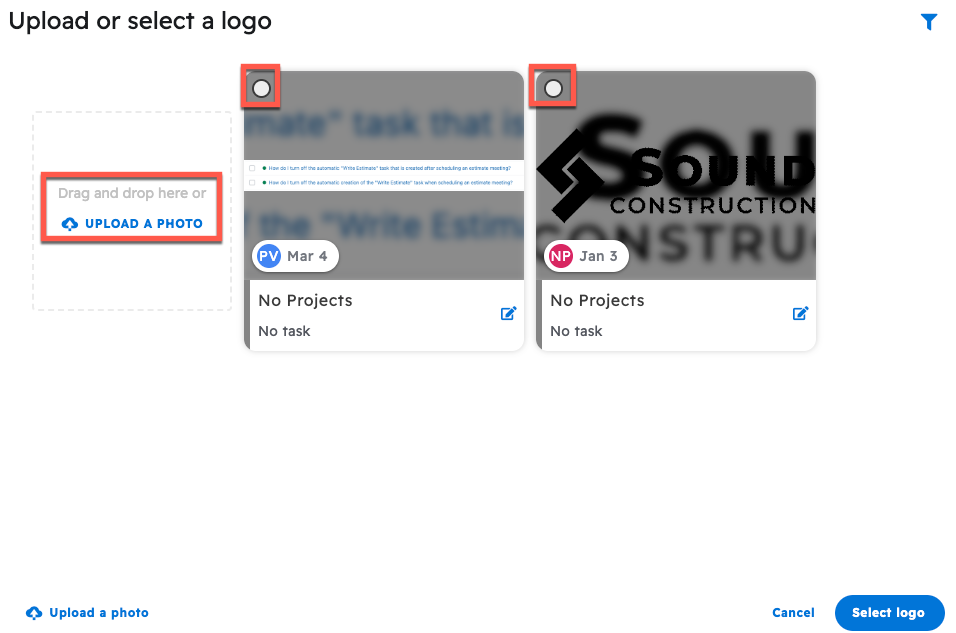
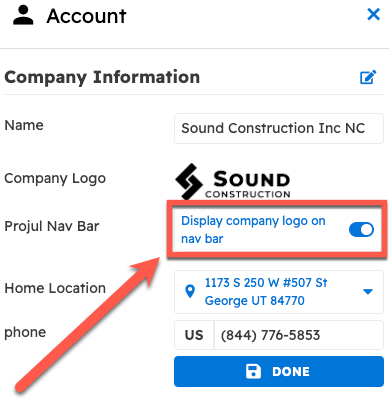
Once a logo has been chosen, choose whether or not to display the company logo on the nav bar using the setting under the Import Logo button.
Questions? Let's Chat.
support@projul.com
(844) 776-5853